 Free ATS check
 Match keywords to the job
 Tailor and apply with AI
MOST POPULAR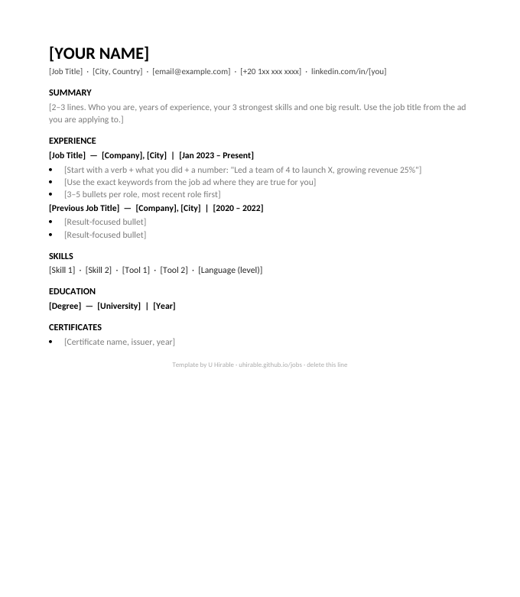
Classic
Any role · 1 page · black & white
✓ Passes every ATS

Made by a recruiter. Single column, standard fonts, no tables or icons, so every applicant tracking system reads them. Download, fill in, done.
Any role · 1 page · black & white
✓ Passes every ATS
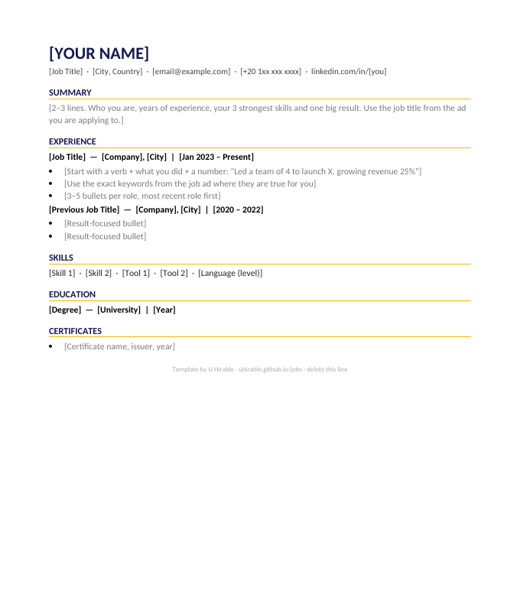
Tech, design, marketing · navy + gold accents
✓ Passes every ATS
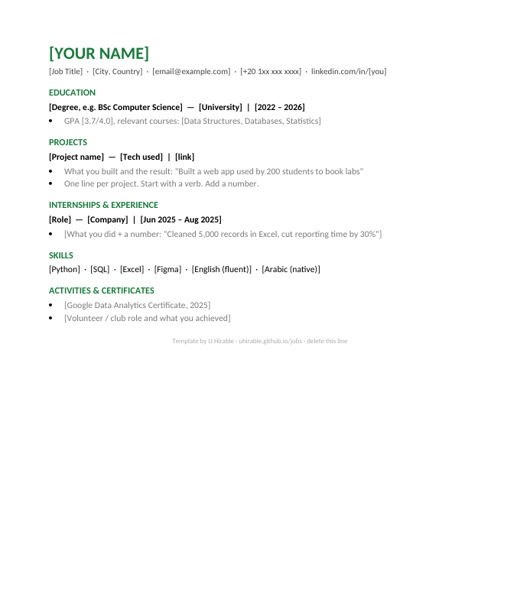
Students & first job · education and projects first
✓ Passes every ATS
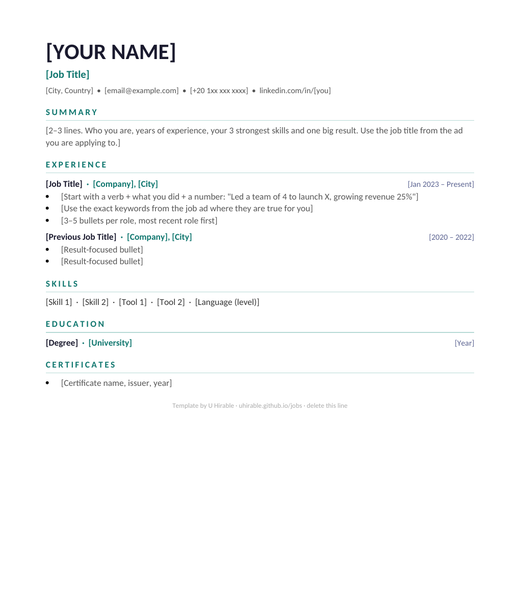
Any role · clean layout · teal accents
✓ Passes every ATS
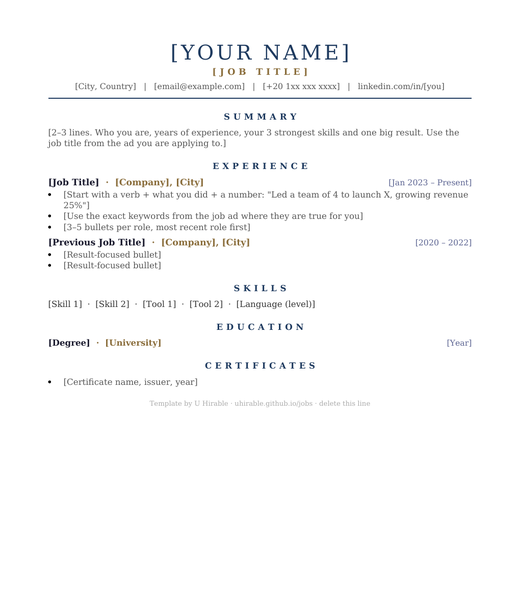
Senior, legal & finance · elegant serif
✓ Passes every ATS
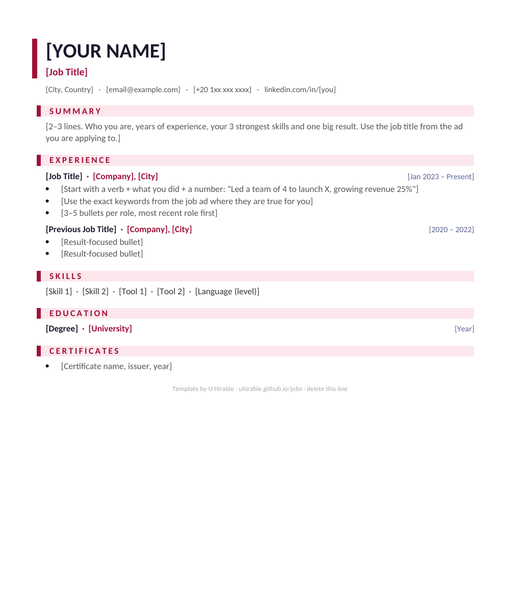
Sales, marketing & HR · bold red accents
✓ Passes every ATS
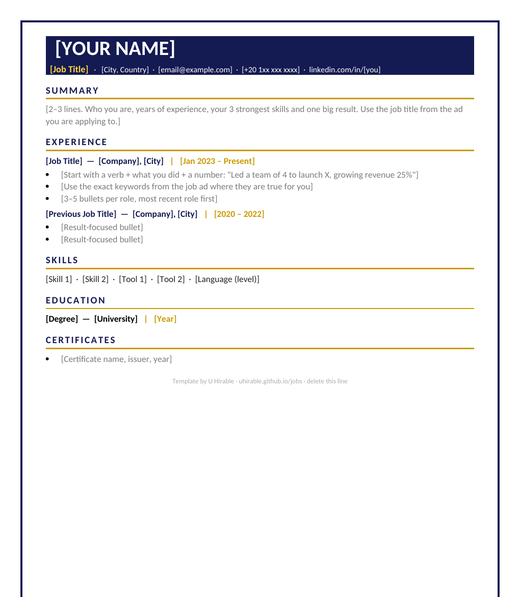
Managers & leaders · navy header + gold lines
✓ Passes every ATS
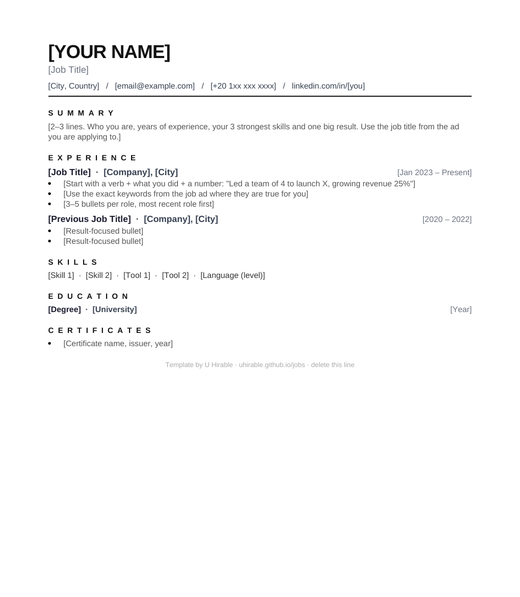
Tech, design & data · minimal black & grey
✓ Passes every ATS
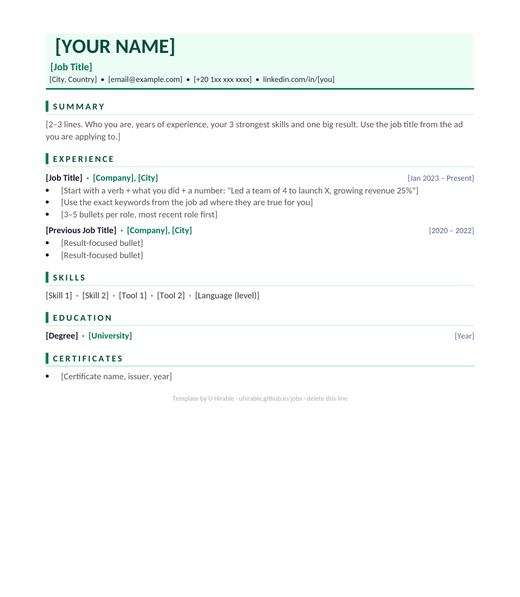
Healthcare, education & NGOs · soft green
✓ Passes every ATS
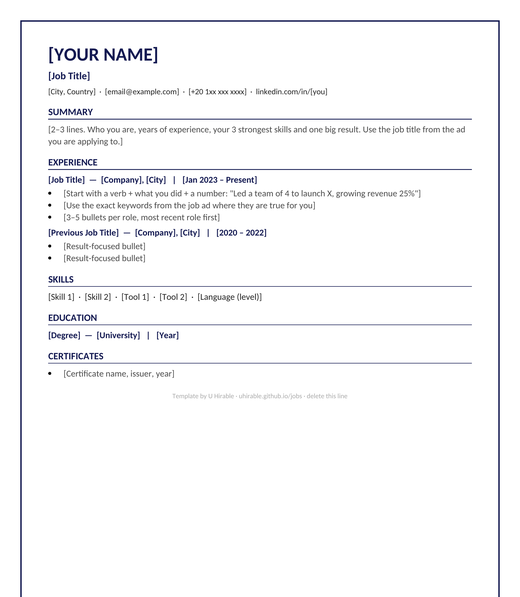
Any role · navy page border · formal
✓ Passes every ATS
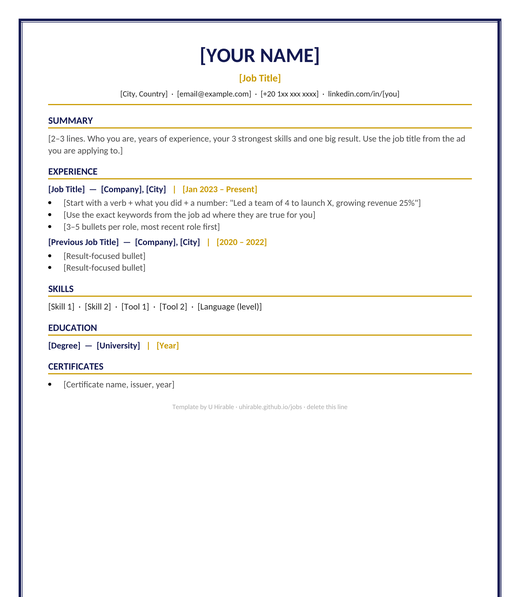
Managers, finance & law · navy and gold border
✓ Passes every ATS
Pick a template and open it in Microsoft Word.
Every [bracket] tells you what to write. Keep one column and standard fonts.
Paste the job ad into CV Match and add the missing keywords before you apply.
Most companies run every CV through an applicant tracking system before a person reads it. Tables, two-column layouts, icons, photos and text boxes often get scrambled or dropped. These templates use one column, standard fonts (Calibri), real bullet points and plain headings, so the ATS reads your CV exactly as you wrote it.
They are free, have no U Hirable branding except one small line you can delete, and open in Microsoft Word.